

Features
Build. Prove. Approve.
Record the change, mark what to check, get a decision on a no-account link, and send the answer back to your agent.
€4 per developer/month. Reviewers need no account and never take a seat.
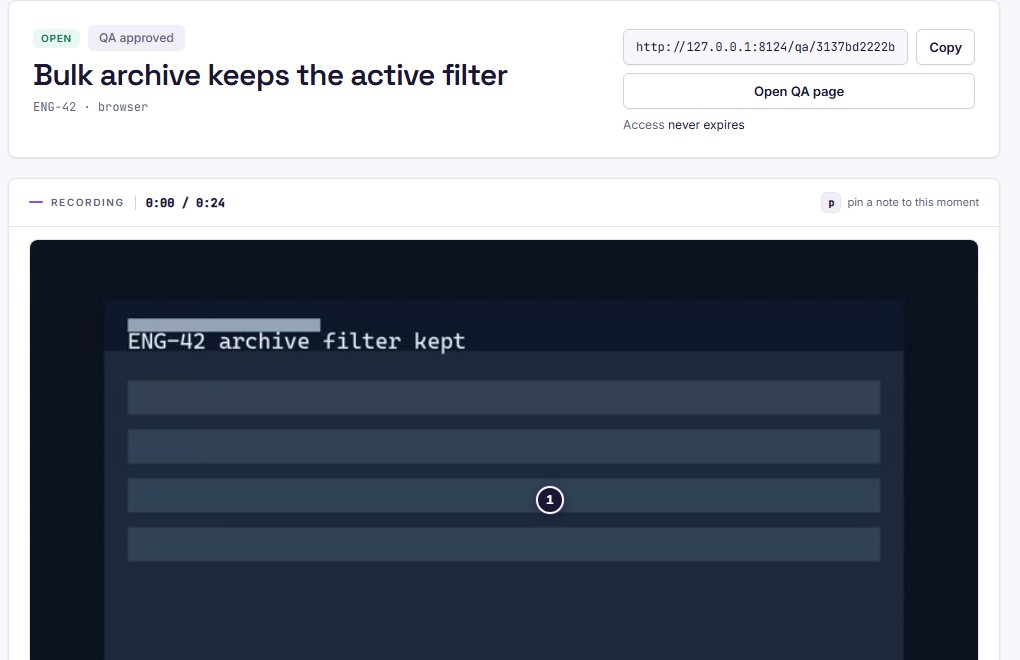
01 / Build a reel
Show what changed, not just what you said.
Add a recording and short steps tied to moments in the video. Review starts with context, not a question.
- Attach a file from the browser or upload it from your agent or CI.
- Anchor a step to the current playback time with one keystroke.
- Add before / after pictures and design references when they help.
02 / Review link
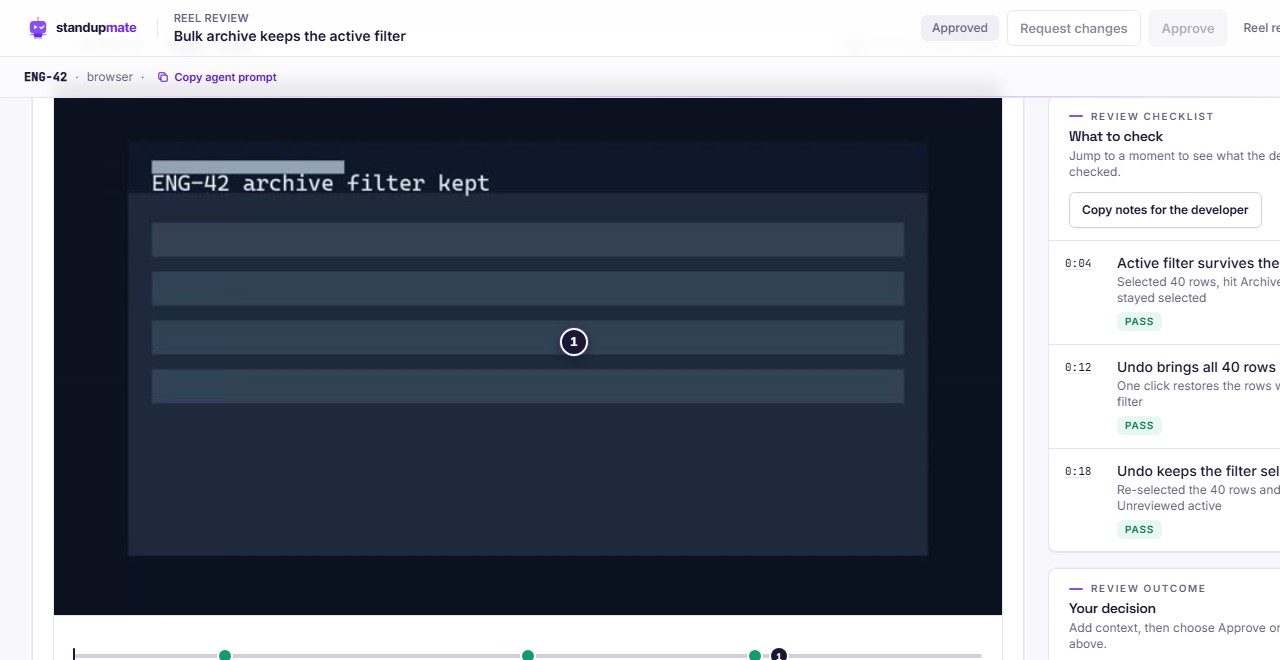
Pin the conversation to the frame.
Reviewers open one link, jump to steps, pin notes to the frame, and approve or request changes. No sign-in.
- Pin comments to the exact frame; every step has a timecode and still.
- Require steps before a verdict, or expire/rotate share links.
03 / The fix loop
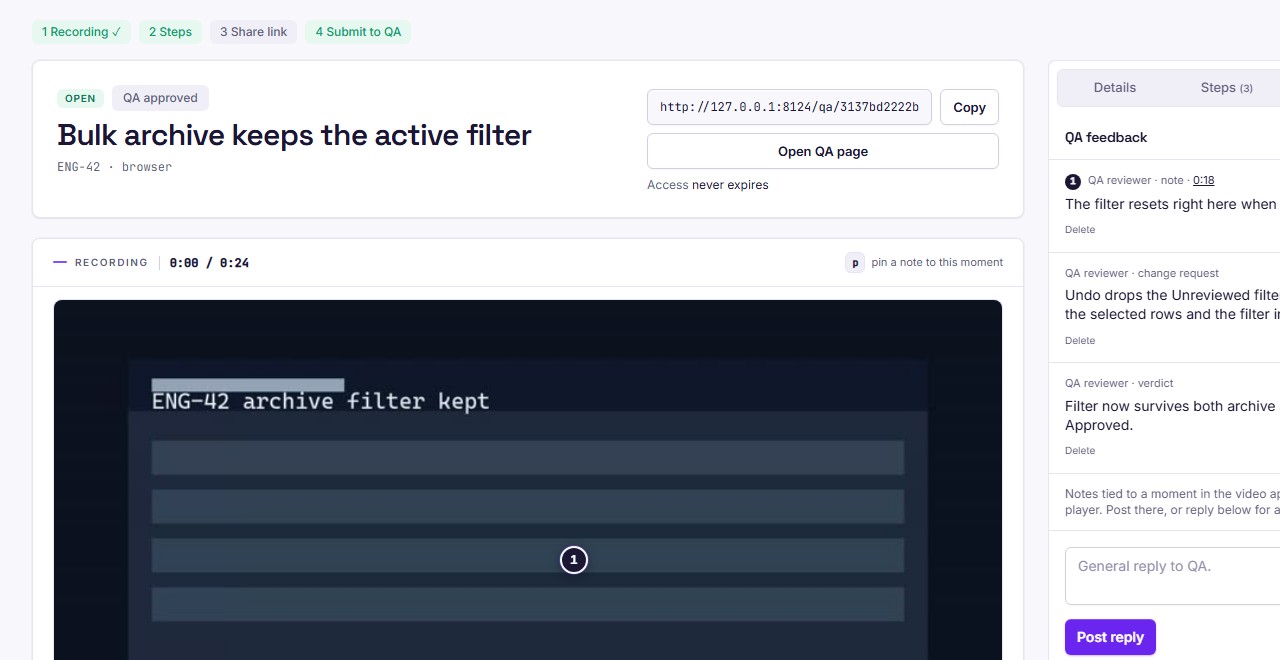
Send it back without starting over.
A change request becomes a fix brief with notes, failed steps, and timecodes. Replace the recording; the same link shows the new cut.
- Copy a fix prompt with the reviewer's note, failed steps, and timecodes in one paste.
- Replace the recording while the steps, pins, and discussion stay put.
- Read the new verdict with
read_qa_feedback, or open the same link in a browser.
04 / Agent workflow
Run the hand-off from your editor.
Install the /proofreel helper once. MCP tools create, step, submit, and read the verdict back to your agent.
create_reel,add_step, andsubmit_for_reviewcover the whole setup.- Playwright turns test steps into moments on the video; CI can attach a recording and print the link.
read_qa_feedbackbrings the approval or fix notes back to your agent.
# in Cursor or Claude Code
/proofreel show what changed

create_reel        → reel link + upload command
add_step(time_ms)  → one checklist row + still
submit_for_review  → link for the reviewer
read_qa_feedback   → approved / fix notes
One MCP connection works from your editor, Playwright, or CI — same reel, same review link.
Ready when your change is
Make the next change easy to sign off.
Start free with 10 reels and 2 case suites. Upgrade when you need unlimited work.
The recording, the checks, and the answer — in one link.